 Smart Data Choices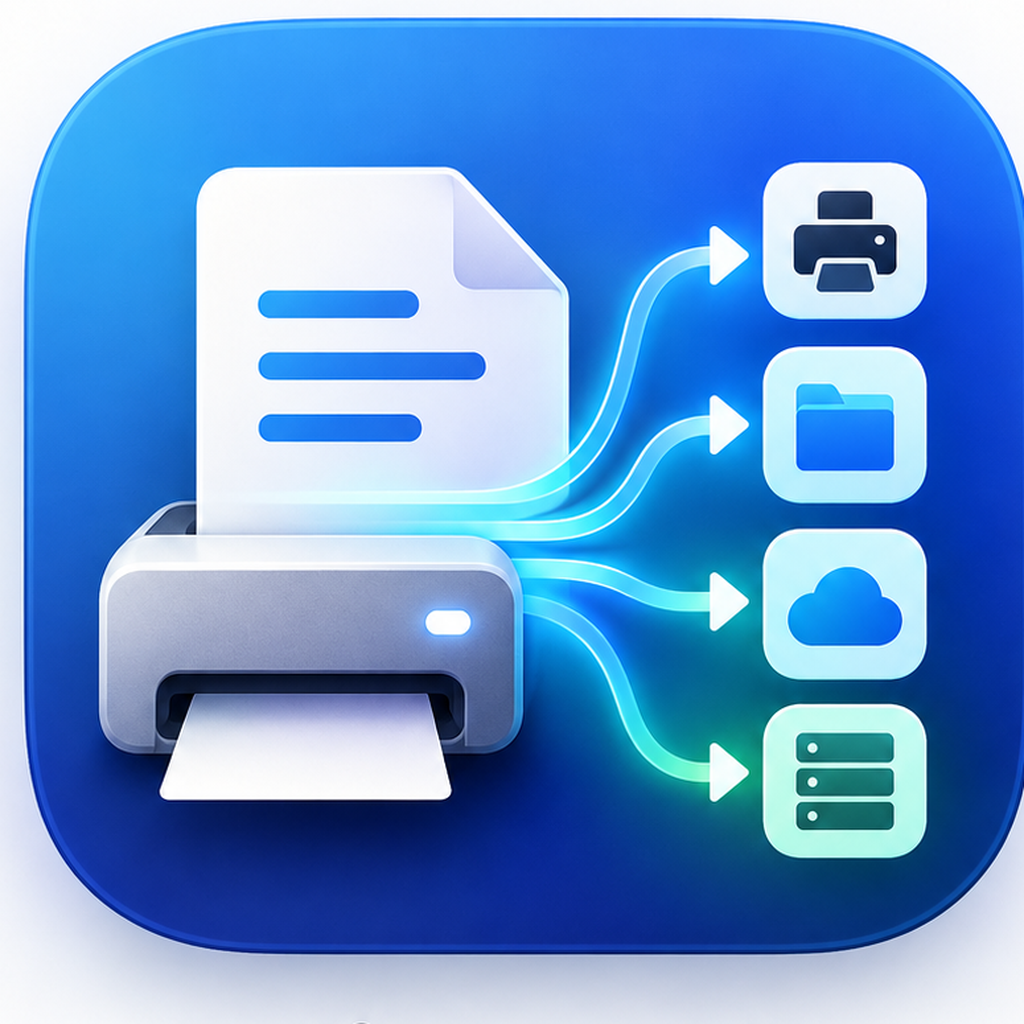
macOS 14+ · private release candidate
FolioRelay
Share printers already installed on your Mac, then turn print jobs into durable local and self-hosted workflows.
One print path, more useful destinations
- Share an existing Mac printer. FolioRelay publishes compatible CUPS queues for discovery by iPhone, iPad, and Mac. Windows and Android can connect with the manual IPP address shown in the app.
- Save to Mac. Add a virtual printer that atomically saves each document to a folder before any optional follow-up action runs.
- Send to Paperless-ngx or WebDAV. Destination credentials stay in the macOS Keychain. A durable delivery ledger shows pending, sent, and failed jobs and provides bounded retries without deleting the local file.
- Control access with clear limits. FolioRelay records devices by network address and can block them when Exclusive Access is safely active. A network address identifies a device, not a person.
- Stay local-first. There is no FolioRelay account, analytics SDK, advertising SDK, or hosted document relay.
Free bridge, optional Pro workflows
Printer sharing remains free. Save to Mac, destinations, device access control, and copy packing are Pro features. A 14-day Pro trial starts only when you first use a Pro feature; it needs no account or payment card. Trial expiry never deletes printers, documents, destinations, or settings.
Release-candidate boundaries
FolioRelay is not yet a public production release. The current candidate is covered by
automated tests and local universal-build checks, but broad real-printer, Local Network
permission, reboot, destination-server, signing, notarization, and upgrade validation is
still in progress. A printer must already work from this Mac with its installed driver.
Private testing
If you can test with a Mac and printer you already use—especially a USB-only printer, Paperless-ngx, or WebDAV—write to [email protected]. Include your macOS version and printer model. Please do not send documents, passwords, tokens, or licence keys.